Setting Up High-Availability Kubernetes Cluster on AWS using kops
Kubernetes in Production
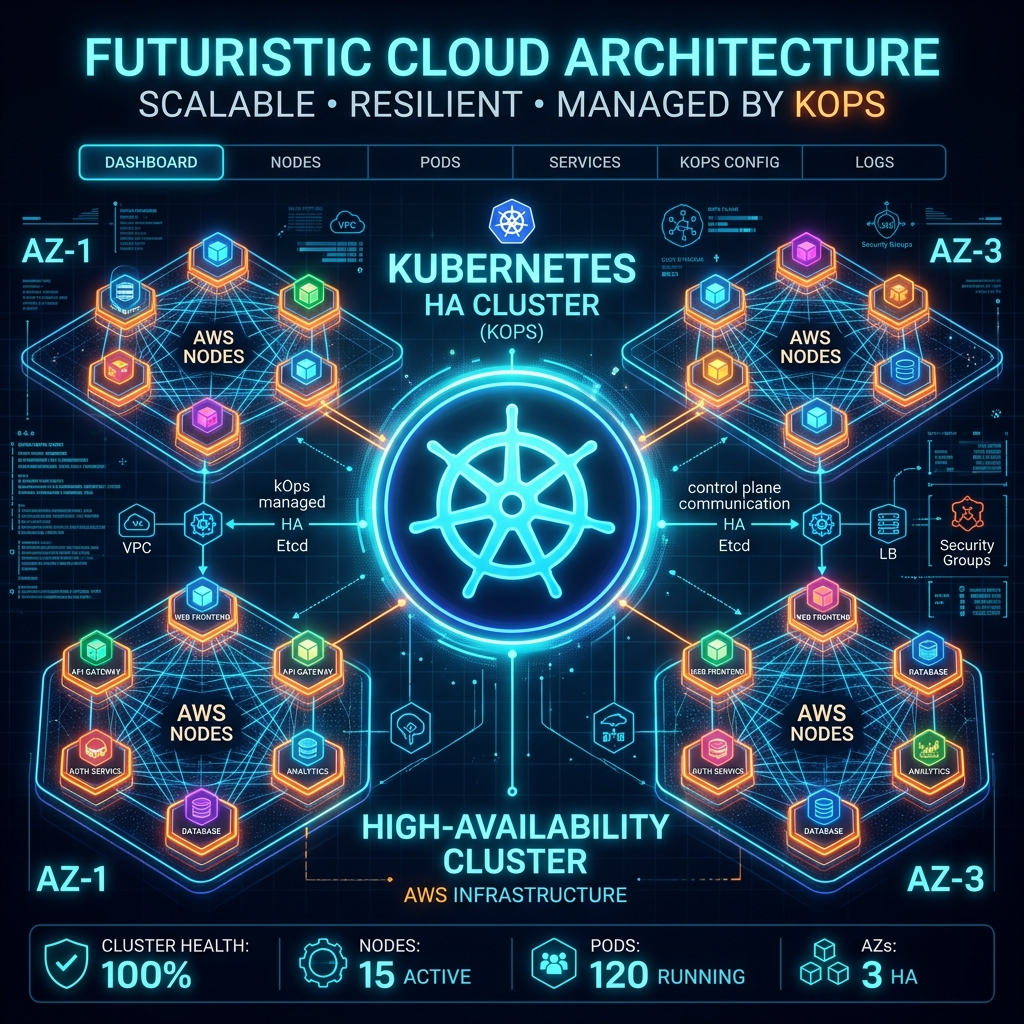
Running Kubernetes in production requires design decisions focused on high availability, network isolation, and self-healing worker pools. In this guide, we will look at how to deploy a multi-master, multi-AZ production-grade cluster on Amazon Web Services (AWS) using kops (Kubernetes Operations).
Prerequisites
To follow this guide, you will need:
- AWS CLI configured with administrative access.
- kops CLI and kubectl installed.
- A registered domain name (like
upneshdevops.cloud) for cluster routing and DNS resolution.
Step 1: Configure S3 Bucket for State Store
kops stores its cluster configuration, security settings, and state inside an Amazon S3 bucket. We will create a private S3 bucket in our desired region:
aws s3api create-bucket \
  --bucket upneshdevops-kops-state \
  --region us-east-1
Enable bucket versioning to secure cluster states against accidental changes:
aws s3api put-bucket-versioning \
  --bucket upneshdevops-kops-state \
  --versioning-configuration Status=Enabled
Step 2: Define Cluster Environment Variables
Define the S3 bucket URL and cluster domain name so kops CLI knows where to locate the configuration files:
export KOPS_STATE_STORE=s3://upneshdevops-kops-state
export NAME=k8s.upneshdevops.cloud
Step 3: Generate Cluster Configuration
We will configure a high-availability cluster spanning 3 Availability Zones (AZs) in us-east-1. This sets up 3 control-plane nodes and 3 worker nodes, ensuring that if one AZ fails, the cluster continues working seamlessly.
kops create cluster \
  --zones=us-east-1a,us-east-1b,us-east-1c \
  --master-zones=us-east-1a,us-east-1b,us-east-1c \
  --node-count=3 \
  --node-size=t3.medium \
  --master-size=t3.medium \
  --dns-zone=upneshdevops.cloud \
  --name=${NAME} \
  --yes
Step 4: Verify the Installation
It takes 10 to 15 minutes for the virtual machines to launch, install dependencies, configure control components, and achieve ready state. You can check status using the validate command:
kops validate cluster --wait 10mOnce validated, run kubectl get nodes to verify all control plane and worker nodes are successfully connected in a Ready state!
Conclusion
Using kops is a robust way to deploy self-managed clusters on AWS. It automates VPC, subnet, security group, Auto Scaling, and DNS creation while keeping the configuration stored declaratively in S3.